
Leave Reporting
Create full reports on holidays, sick leave and other absences. Segment by office, department or individual so you always have the right numbers.
See what’s happening across your organisation. HRLocker lets you pull reports from every module, office, department or team and turn your HR data into useful insights.
Trusted by over 100,000 users in 55 countries worldwide






Create full reports on holidays, sick leave and other absences. Segment by office, department or individual so you always have the right numbers.
Download pre‑built timesheet reports. See total hours, overtime, breaks and project time. Filter by location or person and export the data for further analysis.
Understand your workforce. Track headcount and team structures by office or department and plan for the future.
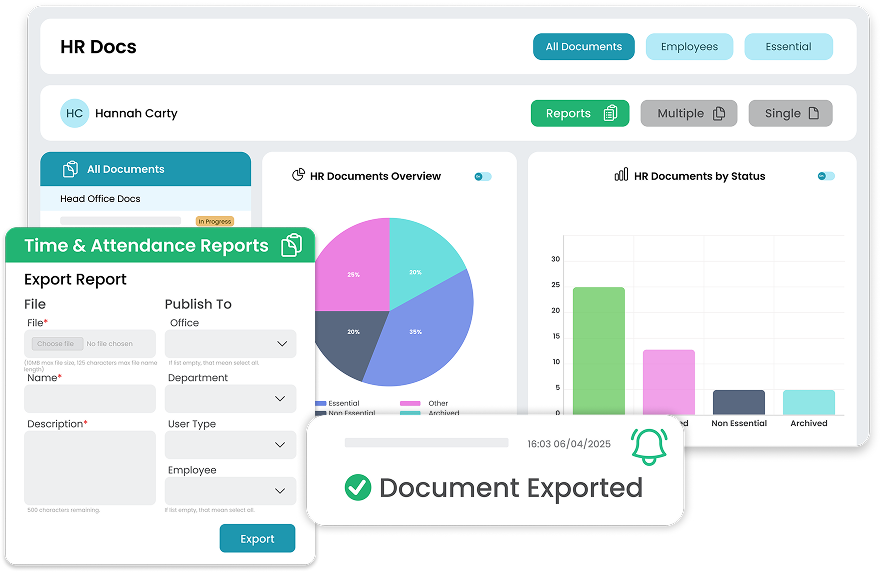
See which policies and HR documents have been acknowledged and who still needs to confirm. Run click‑to‑sign reports so you can follow up easily and stay audit ready.
Make sure all CPD and qualifications are up to date and download summaries and certificates. Track training requests and hours achieved.
Create reports on visas, work permits and background checks to stay compliant without spreadsheets.
Always have the current leave data at your fingertips. Run end‑to‑end reports on annual leave, sick leave and custom leave types. Segment by office, department or individual and filter by dates to see exactly what’s happening in your business.
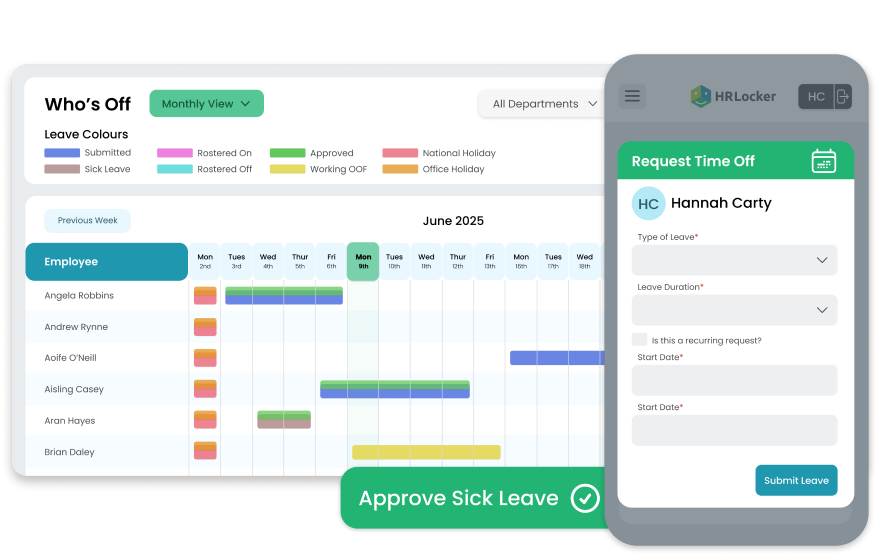
Use HRLocker’s pre‑built reports to download accurate timesheet data. See total hours worked, overtime, time in lieu and project time for on‑site and remote employees. Filter your data and export to a spreadsheet if you need a deeper dive.
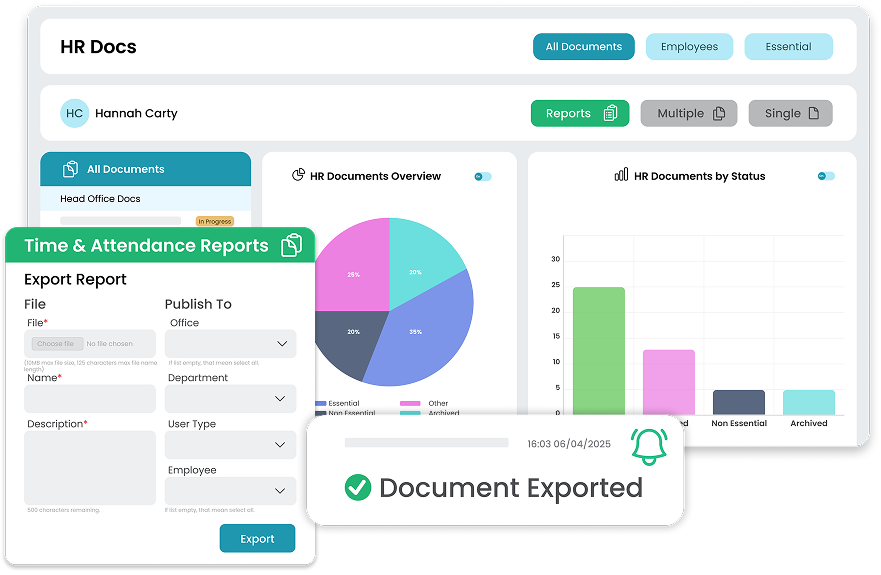
Get clear reports on your people. Download your entire HR directory, see headcount by office or department and analyse team structures. You can also report on right‑to‑work documentation and background checks in one place.
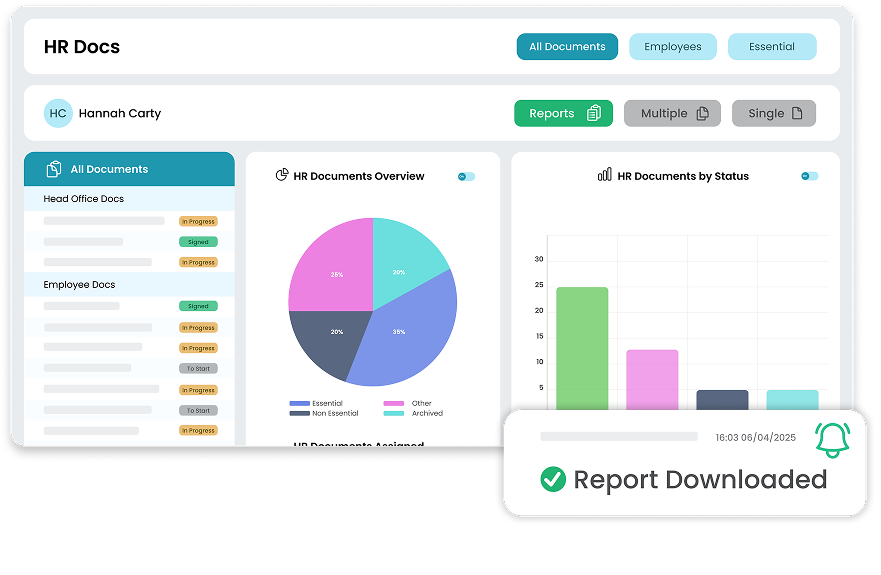
Track who has read and acknowledged their HR documents. Create reports showing outstanding documents by team or office. Download acknowledgement lists so you can follow up and stay audit ready.
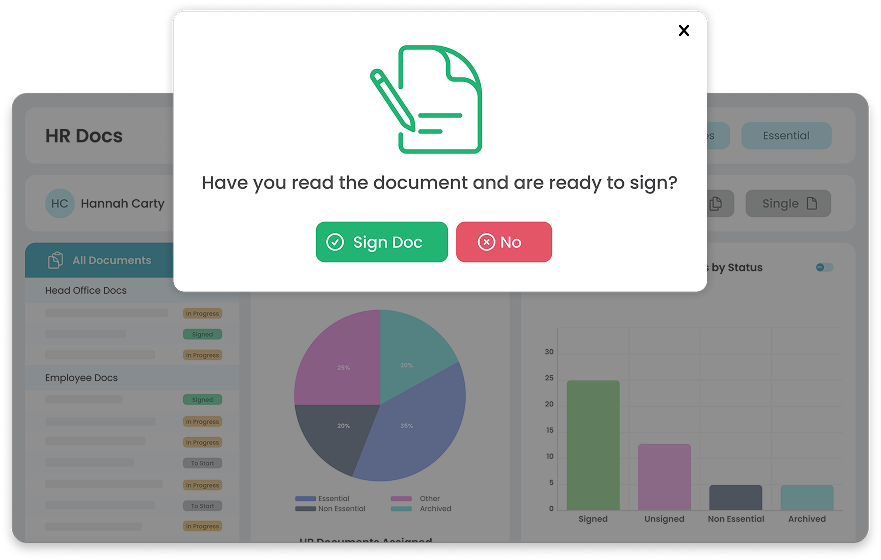
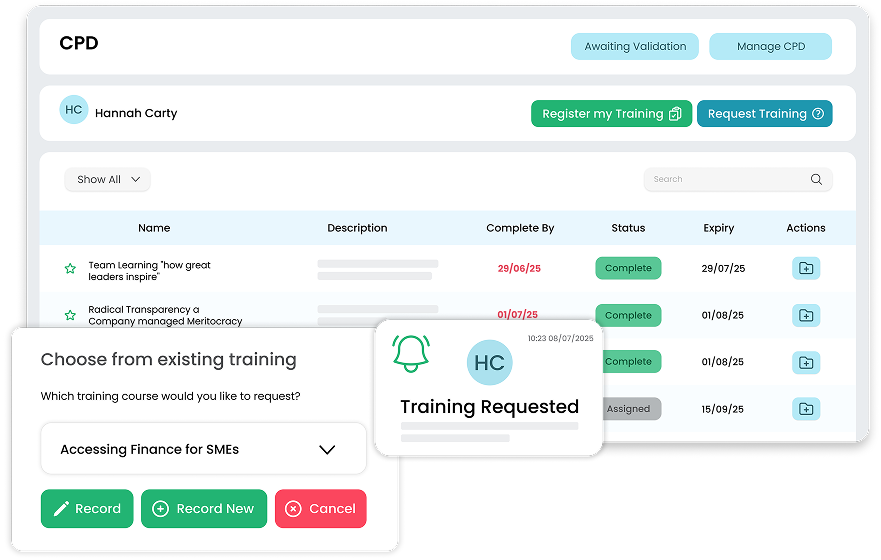
Stay on top of CPD and training. Run reports on training requests, hours achieved and certificates. Make sure all records are up to date and download summaries and certificates for your files.
The ability to log different types of leave and complete performance reviews online has completely transformed the way we work.

Chief People Officer
Healthcare21
Thanks to HRLocker, all our documentation is organised, signed, and compliant, including GDPR, health and safety, and company policies.

Director of Finance & Operations
NYCI
There are no more messy and time-consuming email trails. We can pull reports on all aspects of the system and employees as well.

Managing Director
Hennelly Finance
The Best HR Software for Managing Your People
HRLocker is protected by reCAPTCHA