
Run a Draft Payroll Report
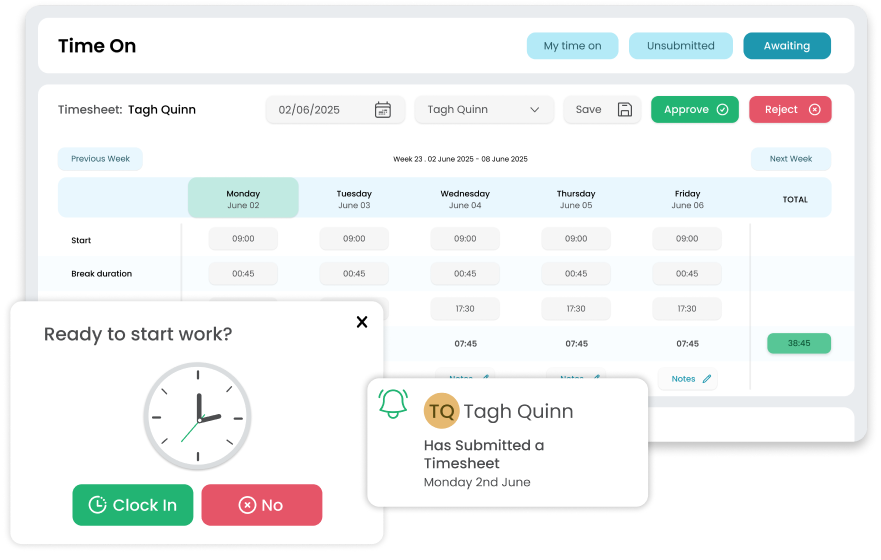
Download a file that includes hours worked, overtime, time off in lieu (TOIL) and pay elements for each employee. You’ll have everything you need to check before you run the final payroll.
Run a draft payroll report in HRLocker to review hours worked, leave, and pay elements before you export. Add Payment IDs to align your data with your payroll provider, so when you export, everything drops straight into your payroll system without delays or errors.
Trusted by over 100,000 users in 55 countries worldwide






Download a file that includes hours worked, overtime, time off in lieu (TOIL) and pay elements for each employee. You’ll have everything you need to check before you run the final payroll.
Set a Payment ID for each pay type like salary, overtime or allowances and HRLocker will include these codes in your export. That way your payroll software knows where to put each number.
When you’re happy, download a file ready for your payroll software. No re‑typing, no errors – just upload and you’re done.
When you generate a payroll report from HRLocker, you can include a Payment ID for each pay element. These codes help your payroll software match hours and pay types correctly. You set them up once and every draft payroll report you export will include them. Once everything looks right, just download the file and upload it to your payroll system. It’s that simple.
HRLocker’s export file is designed to work with popular payroll software. If you need help setting up Payment IDs, check out our Knowledge Base article on adding payment IDs to payroll reports.
The ability to log different types of leave and complete performance reviews online has completely transformed the way we work.

Chief People Officer
Healthcare21
Thanks to HRLocker, all our documentation is organised, signed, and compliant, including GDPR, health and safety, and company policies.

Director of Finance & Operations
NYCI
There are no more messy and time-consuming email trails. We can pull reports on all aspects of the system and employees as well.

Managing Director
Hennelly Finance
The Best HR Software for Managing Your People
HRLocker is protected by reCAPTCHA